
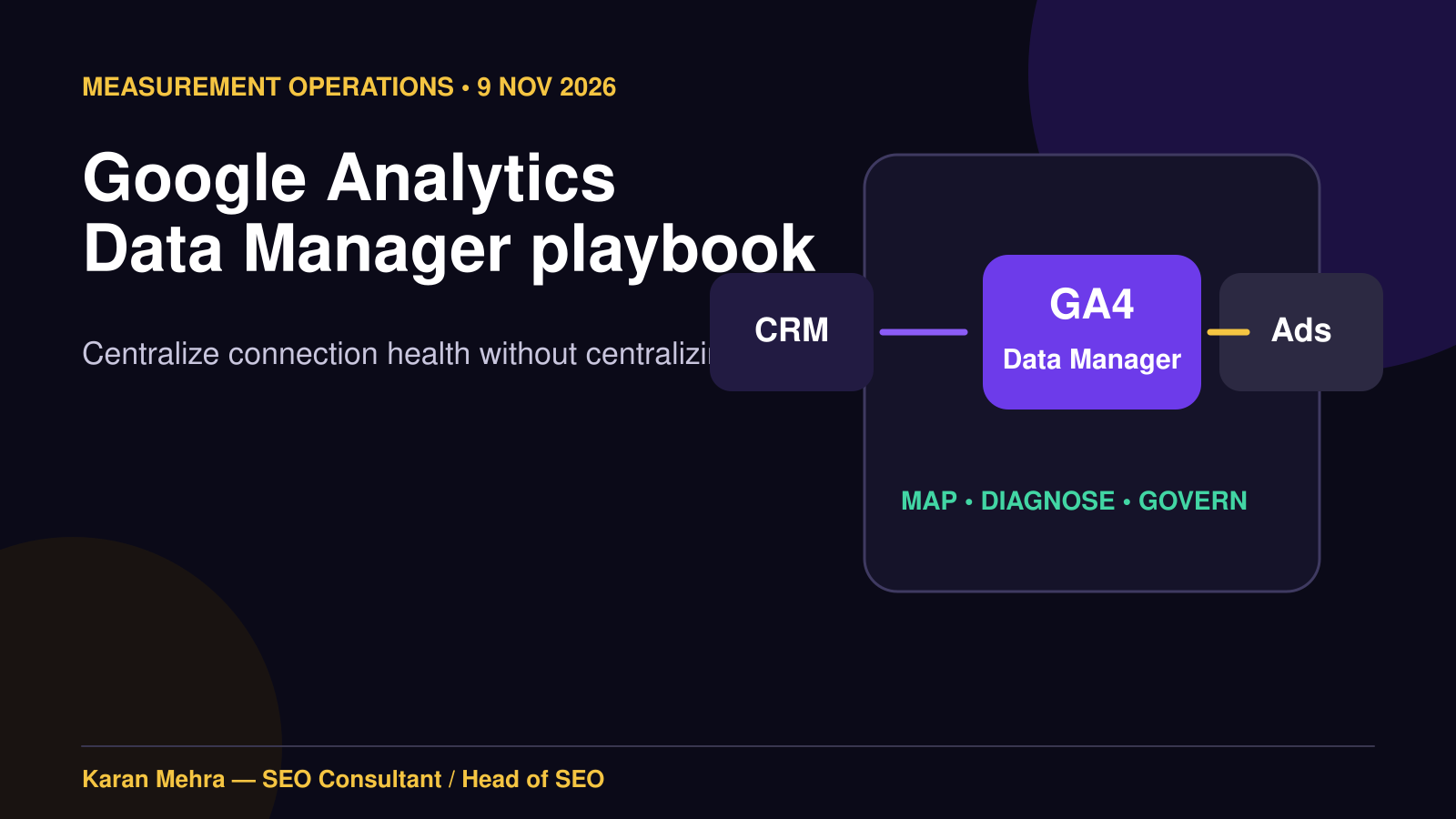
Google Analytics added Data Manager in beta on 6 November 2026. The headline is a centralized admin hub for product links, data streams and first-party data. The more important operational change is that teams now have a visible place to govern how signals enter Analytics, where they go next and whether a connection is healthy.
This is not a reason to rebuild every pipeline. Google explicitly warns that an identical data pipeline activated in both Analytics and Google Ads or Google Marketing Platform can log conversions twice. The right response is a controlled inventory, ownership decision and reconciliation test. That complements the broader discipline in our AI-agent measurement framework: a visible event is not yet a trustworthy business outcome.
Executive takeaway: use Data Manager as a control plane for connections, not as permission to create parallel feeds. One business event should have one accountable system of record, one pipeline owner and one reconciliation trail.
What Google launched—and what it did not
Google’s 6 November Analytics release note describes Data Manager as a unified hub inside the Admin console. It can connect and control product links, data streams and first-party data, surface diagnostic alerts and monitor connection health. The detailed Data Manager beta documentation adds four practical capabilities: centralized management, simplified ingestion, a visual connection map and a data-strength guide.
- Sources: website, app, CRM, point-of-sale, offline events and external campaign data.
- Control plane: the Analytics property and its Data Manager connections.
- Destinations: linked Google Ads and Google Marketing Platform accounts.
- Health layer: diagnostics, suggested actions and connection status.
Data Manager does not automatically resolve identity, consent, attribution or revenue quality. It does not prove that a CRM stage is accurate, that a key event represents an actual sale or that two teams have not configured the same feed twice. Those remain operating-design questions. For a wider view of how activation and reporting meet media planning, see our analysis of the Google Marketing Platform operating model.

The pathway rule that prevents duplicate conversions
Google distinguishes three situations. Treat them differently:
| Situation | Recommended owner | What the team should do |
|---|---|---|
| New connection | Data Manager in Analytics | Configure it in the Analytics property and allow the data to flow downstream to linked Ads or GMP accounts. |
| Existing Ads or GMP connection | Current interface | Continue managing it there; do not recreate the identical pipeline in Analytics. |
| Existing Analytics data import | Analytics Data Manager | Expect the import to appear automatically and use Data Manager for future connections. |
The direction matters: data ingested through Analytics Data Manager flows to linked Google Ads and GMP accounts, but not the other way around. That asymmetry is why a duplicate configuration is easy to create. A media specialist may preserve an existing Ads import while an analytics specialist builds what appears to be a cleaner replacement in GA4. Both can be technically valid and commercially misleading.
If your team wants an independent audit of Google Ads, GA4, Tag Manager and CRM handoffs before migration, PRM Digital’s paid advertising service is the most relevant implementation path.
For a scoped review of pipeline ownership and reconciliation evidence, contact Karan Mehra on WhatsApp at +91 98036 18014.
Illustrative example: one order becomes two conversions
The figures in this example are illustrative, not a claimed client result. An ecommerce business records one paid order worth ₹50,000 in its CRM. Pipeline A imports the order through an existing Google Ads Data Manager connection. Pipeline B imports the same order into GA4 Data Manager, where it flows downstream to the linked Ads account. If the business key is not deduplicated across the two routes, reporting can show two conversions and ₹100,000 of value even though the company received one order.

The immediate damage is not only a bad dashboard. Smart Bidding can receive an inflated value signal, budget decisions can favour the wrong campaign and finance may lose trust in marketing reporting. This is the same reason our Merchant Center reporting audit starts with definitions and source reconciliation before recommending budget changes.
Build a four-part ownership card for every pipeline
1. System of record
Name the source that decides whether the outcome happened: order management for a purchase, CRM for a qualified opportunity, booking system for attendance or subscription platform for retained revenue. GA4 is often the measurement layer, not the legal or financial record.
2. Pipeline owner
Assign one accountable team and one configuration surface. “Marketing” is not an owner. Use a role such as Analytics Lead, Paid Media Lead or CRM Operations Manager, with a named backup and change log.
3. Business key
Choose the identifier used to reconcile records: order_id, lead_id, booking reference or another durable key. Do not rely on timestamp, email address or campaign name alone when those values can change or collide.
4. QA evidence
Record a controlled sample, its expected count and value, the observed count in each destination, processing lag, failure handling and the person who approved the result. This evidence belongs beside the pipeline—not in an analyst’s private notebook.
A reusable SEO, ads, analytics and CRM workflow
Data Manager’s value is cross-channel. Google’s Data Strength guidance recommends connecting robust web and app tagging, advertising accounts, CRM or POS sources, external media data and business data. The operational sequence should be:
- Capture: collect consented web and app behaviour with stable naming and a documented event contract.
- Qualify: let CRM, ecommerce or booking systems determine whether an enquiry became a meaningful business outcome.
- Connect once: choose Analytics Data Manager or preserve the existing Ads/GMP connection for each pipeline.
- Activate selectively: send only approved events, audiences and values to bidding or audience systems.
- Reconcile: compare counts, values, lag and rejection reasons against the system of record.
- Learn: feed qualified lead and revenue quality back into creative, landing-page, search and media decisions.
SEO teams benefit because landing-page and content decisions can be evaluated against downstream quality rather than sessions alone. Paid media teams gain cleaner bidding signals. Analytics teams gain a visual connection map and diagnostics. CRM teams gain a defined contract for which fields and stages leave the system. For the relationship between ads, landing pages and qualified outcomes, our Google AI Mode Ads readiness guide provides a complementary control checklist.
For a technical review that connects measurement quality with search architecture, schema and content outcomes, PRM Digital’s SEO and AI Search Optimization service can align both layers.
Seven-day rollout plan

Day 1: inventory
List every source, connection, destination, event type and account owner. Capture screenshots or exports of current configuration. Include non-Google cost imports and offline outcomes. Google notes that item data and third-party campaign data are Analytics-exclusive data types, so flag them separately.
Day 2: ownership and risk
Complete the four-part ownership card. Rank each pipeline by commercial impact, duplication risk, data sensitivity and reversibility. Subproperties and roll-up properties do not currently support the Data Manager landing page, so confirm property eligibility before designing a migration.
Day 3: choose one low-risk pilot
Do not start with the company’s highest-value purchase conversion. Choose a pipeline with clear identifiers, moderate volume and an easy rollback. Define acceptance thresholds before activation.
Day 4: run controlled evidence
Create sample events or use a known set of real records permitted by policy. Trace source, ingestion, Analytics processing and downstream destination. Confirm count, value, currency, timestamp, attribution fields and privacy handling.
Days 5–6: reconcile and observe lag
Compare the system of record with GA4 and every activated destination. Review connection diagnostics, rejected records and unexpected spikes. Do not interpret a clean status indicator as proof of business accuracy.
Day 7: approve, document and scale
Publish the owner, diagram, field contract, reconciliation evidence, rollback step and monitoring cadence. Scale only after the pilot passes. If the audit reveals wider data and workflow fragmentation, use the connected-operations principles in our Gemini small-business operating model rather than treating every integration as a separate project.
To discuss the seven-day audit and decide which pipeline should be piloted first, contact Karan Mehra on WhatsApp at +91 98036 18014.
What to measure after rollout
- Connection health: active, warning or failed; last successful ingestion; unresolved diagnostic age.
- Pipeline completeness: source records versus accepted records versus downstream records.
- Value integrity: revenue, currency, refunds and lead-value rules against the system of record.
- Duplication rate: repeated business keys across active routes.
- Processing lag: time from business event to availability for reporting or activation.
- Decision impact: whether cleaner signals change bid, budget, creative or landing-page decisions—and whether those changes improve qualified outcomes.
Keep media efficiency and production efficiency separate. A faster data connection does not automatically make creative better, just as faster production does not automatically improve performance—a distinction explored in our AI video ads versus traditional production comparison.
Frequently asked questions
Is Data Manager available in every GA4 property?
No. It is a beta rollout, appropriate property permissions are required, and Google says subproperties and roll-up properties do not currently support the landing page. If the tab is absent, document that limitation rather than assuming the property is misconfigured.
Should an existing Google Ads Data Manager connection be rebuilt in GA4?
Not by default. Google advises teams to continue managing existing connections in Google Ads or GMP and avoid activating an identical pipeline in Analytics. Migrate only with an explicit cutover, deduplication plan and reconciliation evidence.
Can Data Manager solve attribution?
It improves connection visibility and data availability; it does not remove attribution assumptions. Use platform attribution for optimization, finance-grade reconciliation for booked outcomes and experiments or modelling when you need causal evidence.
What is the first audit question?
Ask: “For this conversion, which system proves it happened, and which single pipeline is accountable for carrying it?” If the team cannot answer both parts, do not add another connection.
How should agencies hand off a Data Manager setup?
Provide the source-to-destination map, ownership card, field contract, permissions list, diagnostics baseline, sample reconciliation, rollback procedure and change log. The same semantic discipline used in a sound internal-linking strategy applies here: every connection should have a clear purpose and a useful destination.
For a concise second opinion on an existing GA4-to-Ads or CRM-to-Analytics setup, contact Karan Mehra on WhatsApp at +91 98036 18014.
Sources and verification
- Google Analytics Help: What’s new in Google Analytics, release dated 6 November 2026.
- Google Analytics Help: About Data Manager in Google Analytics (beta).
- Google Analytics Help: Data Strength best practices.
- Google Ads & Commerce: measurement and first-party data updates, 10 September 2026.
- Search Engine Journal: Google expands Data Manager and adds uplift measurement, 10 September 2026.