A new Google user agent can trigger the wrong reaction inside a marketing or engineering team. SEO sees “Google” and assumes indexing. Security sees an unfamiliar bot and blocks it. A Chrome extension team sees a broken privacy-policy check but cannot connect it to either decision.
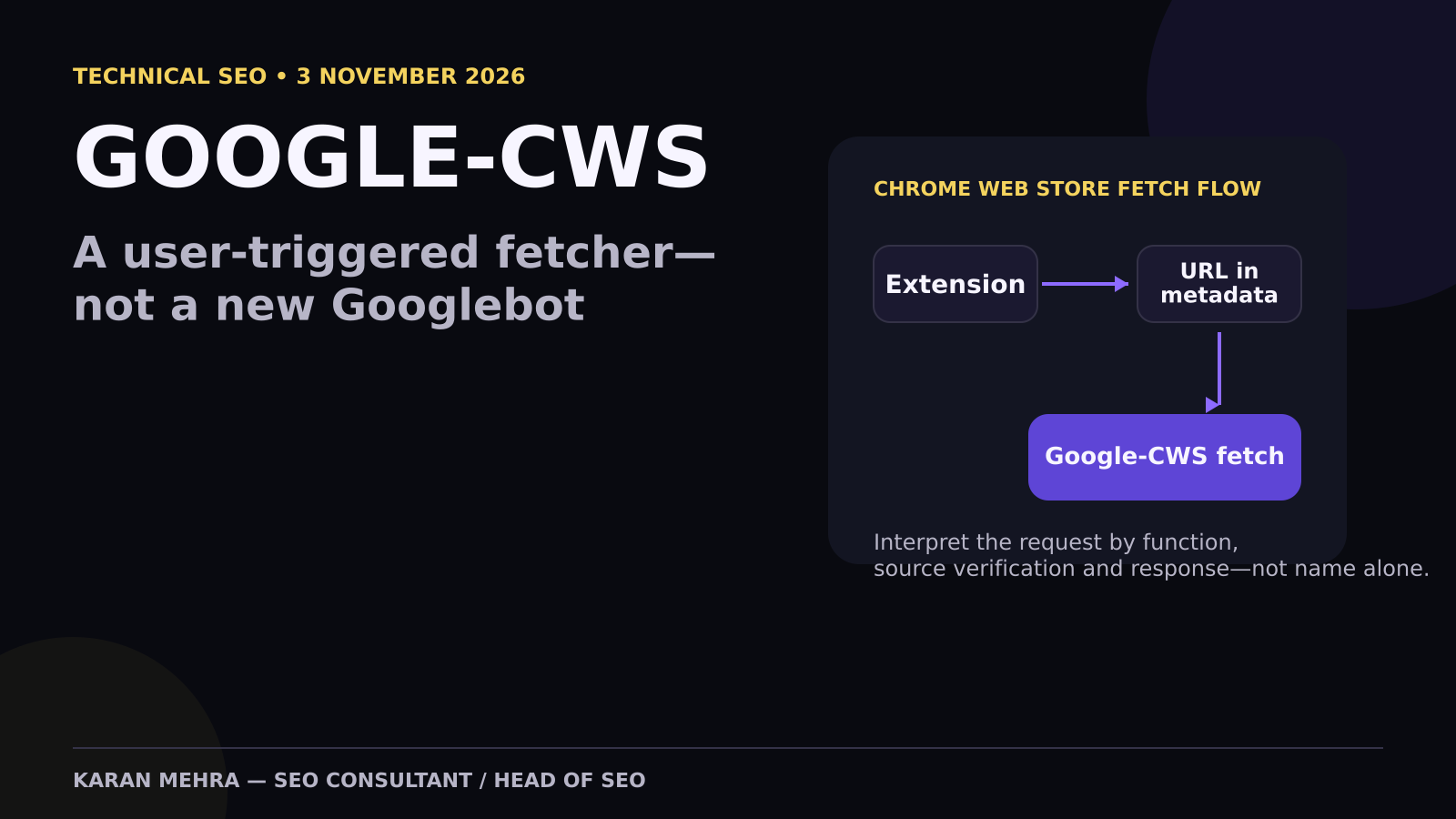
Google’s crawling documentation changed on 3 November 2026 to add Google-CWS to its list of user-triggered fetchers. The identifier belongs to a Chrome Web Store function that requests URLs developers supply in extension and theme metadata. That makes it operationally important—but it does not make it a new Googlebot or a new Search ranking crawler.
This guide explains what the documented change means, how to verify a real request, why robots.txt is the wrong control surface, and how SEO, extension, platform and security teams should share ownership. It builds on the broader distinction between crawler policy, AI-training preferences and access control, because those decisions are often incorrectly collapsed into one robots.txt conversation.
What Google added on 3 November 2026
Google’s official crawling documentation changelog records a new entry: “Added a new user-triggered fetcher.” The named fetcher is Google-CWS. On the associated user-triggered fetchers page, Google publishes this request signature:
Mozilla/5.0 (compatible; Google-CWS)The associated product is the Chrome Web Store. Google says the fetcher requests URLs that developers provide in the metadata of their Chrome extensions and themes. This can include public resources connected to a listing, such as a privacy-policy or publisher website URL.
Chrome Web Store documentation makes working URLs commercially important. Its troubleshooting guidance lists a non-working privacy-policy URL as a potential violation, while listing policies require accurate metadata and privacy information. The safe interpretation is therefore narrow: Google has documented the mechanism that may fetch these URLs. The documentation does not say that Google-CWS discovers pages for Search, affects rankings or replaces Googlebot.
If your team needs a cross-functional audit of crawl access, metadata URLs and technical SEO controls, PRM Digital’s full-service digital team can map the request path from Chrome Web Store metadata through CDN, WAF, origin and analytics.

Google-CWS is a fetcher, not a Googlebot label
Google separates its web clients into three practical classes. Understanding that taxonomy prevents a routine product fetch from becoming a false SEO incident.
Common crawlers
Common crawlers such as Googlebot perform automatic crawling for Google products and respect robots.txt rules for those automated crawls. This is the class normally associated with Search discovery and indexing. If your real problem is Googlebot load, use server evidence and the established approach for reducing crawl pressure without creating an SEO outage.
Special-case crawlers
Special-case crawlers serve particular products or agreements. Their robots behavior can differ. AdsBot is the familiar marketing example: it evaluates advertising destinations under a product-specific relationship rather than acting like a normal Search crawl.
User-triggered fetchers
User-triggered fetchers act because someone initiated a function inside a Google product. Google explicitly says these fetchers generally ignore robots.txt because the fetch was requested by a user. Google-CWS belongs here. The correct mental model is closer to “retrieve this supplied URL for a product workflow” than “crawl the open web for ranking.”
This distinction is similar to the one technical teams must make when diagnosing why a backlink is not indexed: a request in a log proves access occurred, not that Search discovered, selected, indexed or valued the page.
Why robots.txt is the wrong first response
A common but ineffective response is to add a Disallow rule for the affected path. That can fail for two reasons. First, Google documents user-triggered fetchers as generally ignoring robots.txt. Second, robots.txt is not authentication. It neither proves that the source is Google nor protects a sensitive endpoint from direct requests.
If the URL is intended to be public—such as a privacy policy—fix its availability at the routing, TLS, CDN, WAF or application layer. If the endpoint contains sensitive information, enforce authentication and route-level access policy. Do not try to turn robots.txt into a security boundary.
This is the same operational principle used in a TLS and certificate-chain incident: verify the live endpoint and every dependency rather than changing an SEO file because the symptom appeared in a web log.
For a second opinion on a blocked or failing metadata URL, contact +91 98036 18014 on WhatsApp with the affected public URL, timestamp and response code.
How to verify a real Google-CWS request
Never trust the user-agent string alone. Any client can send Google-CWS in an HTTP header. Google’s official request-verification guide provides two evidence paths: manual reverse-and-forward DNS verification for one-off investigations, or automated matching against Google’s published IP-range JSON files at scale.

1. Capture the full request evidence
- Source IP and trusted proxy chain
- Timestamp, requested URL and method
- User agent and relevant headers
- Response status, redirect chain and latency
- WAF rule, cache status and origin response
2. Match the correct published range
Google publishes separate range files for common crawlers, special crawlers, user-triggered fetchers controlled by users, Google-controlled user-triggered fetchers and user-triggered agents. Match the request to the relevant published set. Do not download an IP list once and treat it as permanent; automate refresh and validation.
3. Run reverse and forward DNS checks
For a manual investigation, reverse-resolve the source IP, confirm the hostname belongs to the documented Google domains, then forward-resolve that hostname and confirm it returns to the original IP. A one-direction lookup is incomplete and can create false trust.
4. Interpret the destination
After identity verification, determine why the requested URL exists. Is it a public privacy policy, publisher homepage, support page or other resource entered in Chrome Web Store metadata? If the team cannot map the URL back to an owned extension or theme, investigate the metadata and account history before changing network policy.
A realistic investigation example
Illustrative example—not Google performance data: a SaaS company sees 38 requests carrying Google-CWS over seven days. Thirty-seven receive HTTP 200. One privacy-policy URL receives HTTP 403 because a WAF rule blocks data-centre traffic. At the same time, the SEO team sees no change in Googlebot crawling or Search Console indexing.
The wrong response is to edit robots.txt or request reindexing. The stronger investigation is:
- Verify the blocked request against Google’s user-triggered ranges and DNS guidance.
- Confirm that the privacy-policy URL is present in the extension’s metadata.
- Review the specific WAF rule and allow the public route when evidence is sufficient.
- Retest the URL for HTTP 200, correct content, valid TLS and acceptable latency.
- Document the owner and monitor future failures separately from Googlebot metrics.
This separation matters in modern search measurement. A traffic change can have many causes, including answer-engine interfaces covered in the analysis of rankings holding while organic clicks fall. A Chrome Web Store metadata fetch should not be promoted into a causal SEO story without evidence.
If your logs, WAF and Search Console are telling different stories, share the evidence with +91 98036 18014 on WhatsApp for a structured diagnostic review.
The cross-functional operating model

Extension or theme owner
Maintain an inventory of every URL submitted in Chrome Web Store metadata. Record the extension ID, account owner, purpose, expected content, regional behavior and change history. A URL should not remain in metadata after ownership or purpose changes.
SEO and web team
Verify that public metadata URLs return the intended status and content without redirect loops, soft-404s or broken canonicals. Keep this work separate from Googlebot indexing diagnostics and from measurement of links inside Google’s generative Search experiences.
Security and platform team
Own source verification, WAF logic, rate limits, TLS and origin reliability. Security policy should be based on route sensitivity and verified source evidence—not a broad allow rule for any request containing the word Google.
Marketing operations
Track operational failures as a separate event class. A failed fetch can affect a product workflow, but it should not be counted as organic traffic, conversion activity or crawler demand. This is another reason to follow the evidence discipline described in manual fact-checking and AI-content governance: labels are useful, but validation is what makes a decision defensible.
For an integrated technical SEO, web development and analytics implementation, PRM Digital can help assign ownership, instrument logs and turn the findings into a controlled remediation plan.
Seven-day implementation plan
Days 1–2: inventory metadata URLs
Export the public URLs associated with every extension and theme. Assign a business and technical owner. Check TLS, response code, redirect chain, canonical, content accuracy and privacy wording.
Day 3: add log classification
Create a distinct classification for Google-CWS. Retain IP, URL, status, latency, cache status and verification result. Do not merge these events into Googlebot dashboards.
Day 4: test verification
Run the manual DNS process on a sample, then confirm your automated matcher uses the current published range files and fails safely when evidence is incomplete.
Day 5: review access policy
Allow verified requests only where the route is intended to be public. Preserve authentication and security controls for private resources. Add a documented exception process rather than a global user-agent allowlist.
Days 6–7: monitor and hand over
Review 4xx, 5xx, timeouts and unexpected destinations. Confirm ownership across extension, platform, SEO and security teams. Record the final decision and the evidence that supported it.
Frequently asked questions
Is Google-CWS a new Googlebot?
No. Google documents it under user-triggered fetchers and associates it with Chrome Web Store URLs supplied in extension and theme metadata.
Does Google-CWS affect rankings?
Google’s documentation does not describe it as a Search indexing or ranking crawler. A request in a log is not evidence of a ranking effect.
Can robots.txt block Google-CWS?
Google says user-triggered fetchers generally ignore robots.txt. Use route-level access controls for sensitive resources and fix public URL failures at the application, CDN, TLS or WAF layer.
Can I trust the Google-CWS user agent?
No user-agent string is proof of identity. Verify published IP ranges and use reverse plus forward DNS checks as Google documents.
What should I do with a verified 403 or 5xx?
Identify the metadata owner, confirm the URL should be public, then inspect redirects, TLS, WAF and origin behavior. Do not change Search indexing settings unless separate evidence supports that work.
Final takeaway
Google-CWS is valuable because it makes a previously ambiguous log pattern easier to classify. The operational rule is simple: do not call every Google request Googlebot, do not trust a user-agent string, and do not use robots.txt as security. Verify the source, understand the route, inspect the response and assign a real owner.
To review a live Google-CWS request or build the verification workflow, contact +91 98036 18014 on WhatsApp.